
FedEx Discounted Rates are special FedEx shipping rates made available through Pitney Bowes. These accounts are owned and managed by Pitney Bowes and are different from a standard FedEx account connected directly to Ordoro.
This option can be helpful for merchants who want access to discounted FedEx rates. Because this integration is powered through Pitney Bowes, the setup process is a little different from connecting a standard FedEx account.
Topics
How to create a FedEx Discounted Rates account
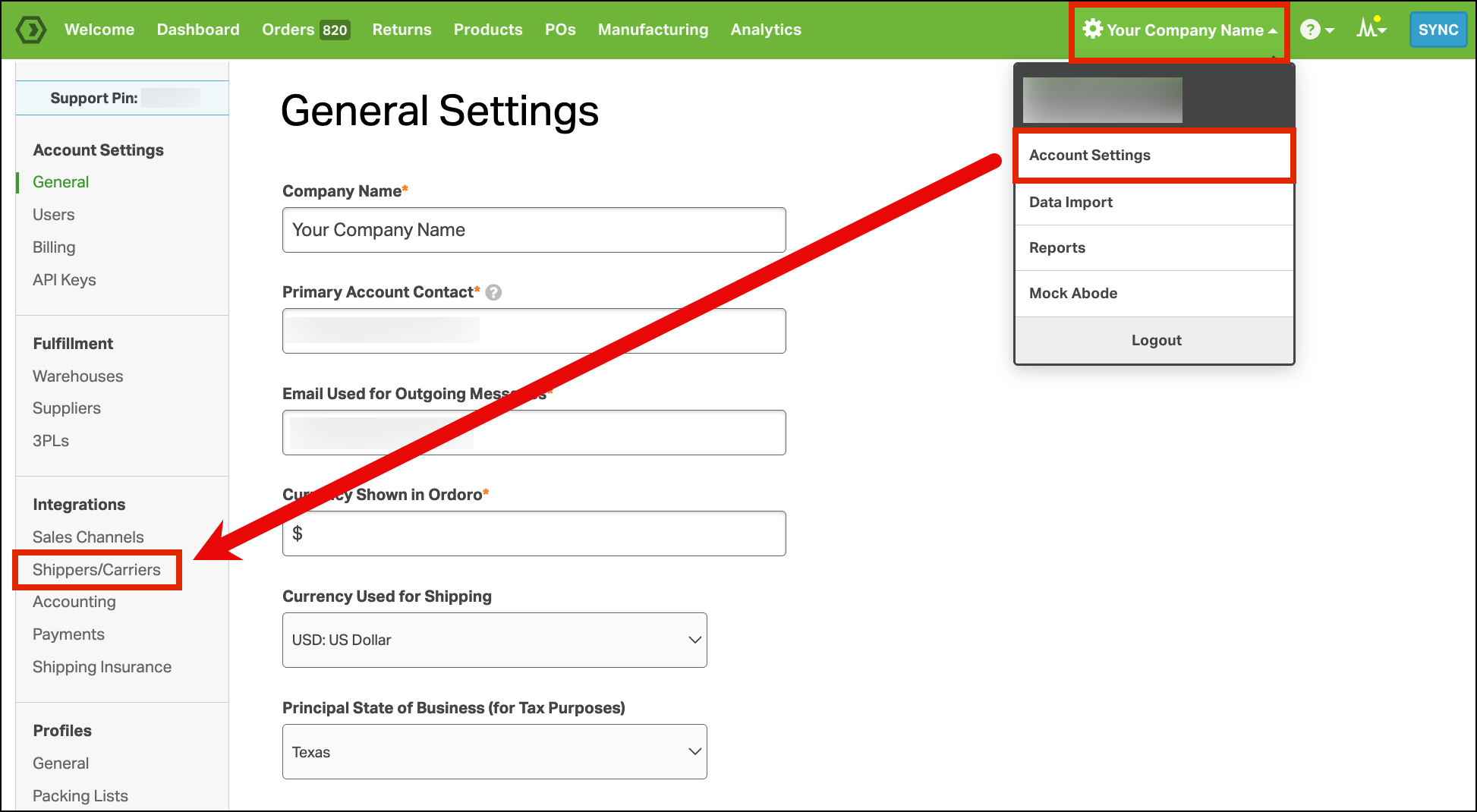
- Go to Account Settings > Shippers/Carriers.
- Click Add a Shipper.
- Select FedEx Discounted Rates from the dropdown.
- Click the orange Add a FedEx Account button.

- In the Initiate a New Account window, enter an email address you can access.
- Click Get Started.

Ordoro will prompt Pitney Bowes to send an email to that address.
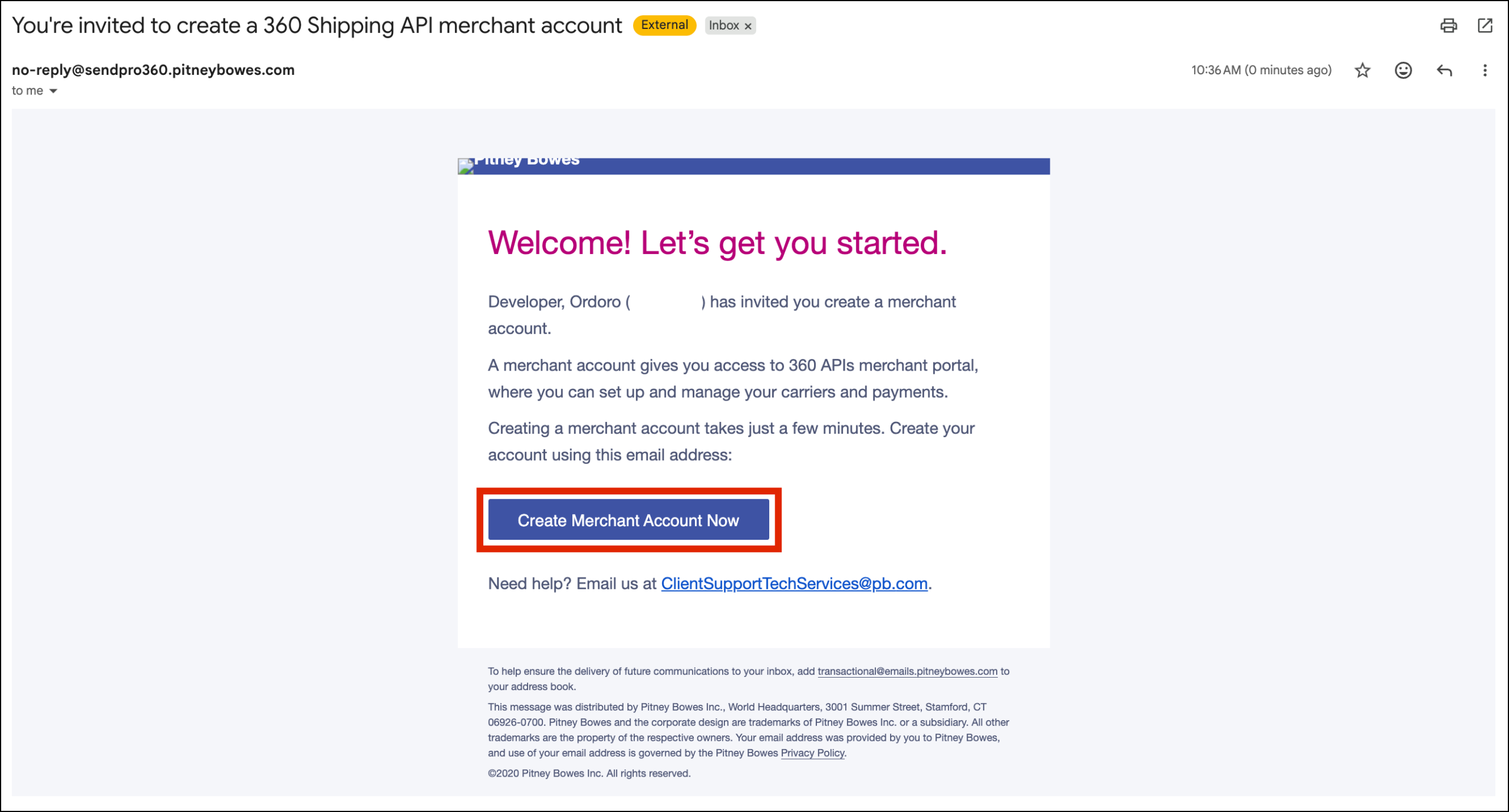
- Check your email inbox for the message titled “You’re invited to create a 360 Shipping API merchant account.“
- Open that email and click Create Merchant Account Now.
- Complete the sign-up form on the merchant account registration page.
- Click Create Account.

You should then see a registration success message.
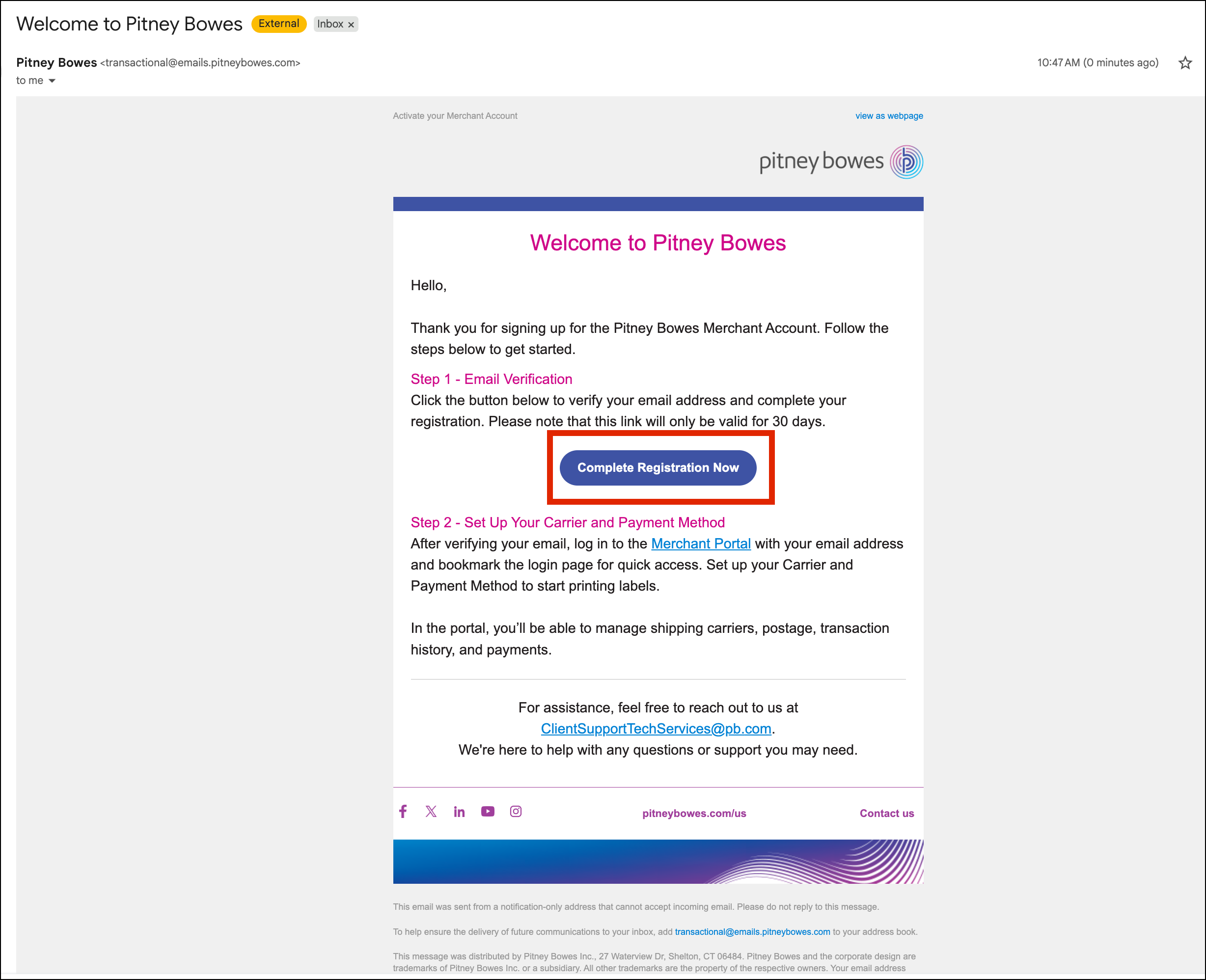
- Return to your email inbox and look for an email titled “Welcome to Pitney Bowes.”
- Open that email and click Complete Registration Now.
- Set your password for the Pitney Bowes account. Please make sure to save this password somewhere secure.

- Once logged in to the Pitney Bowes account, click Set up Postage Payment Method.

- Click Add Credit Card.
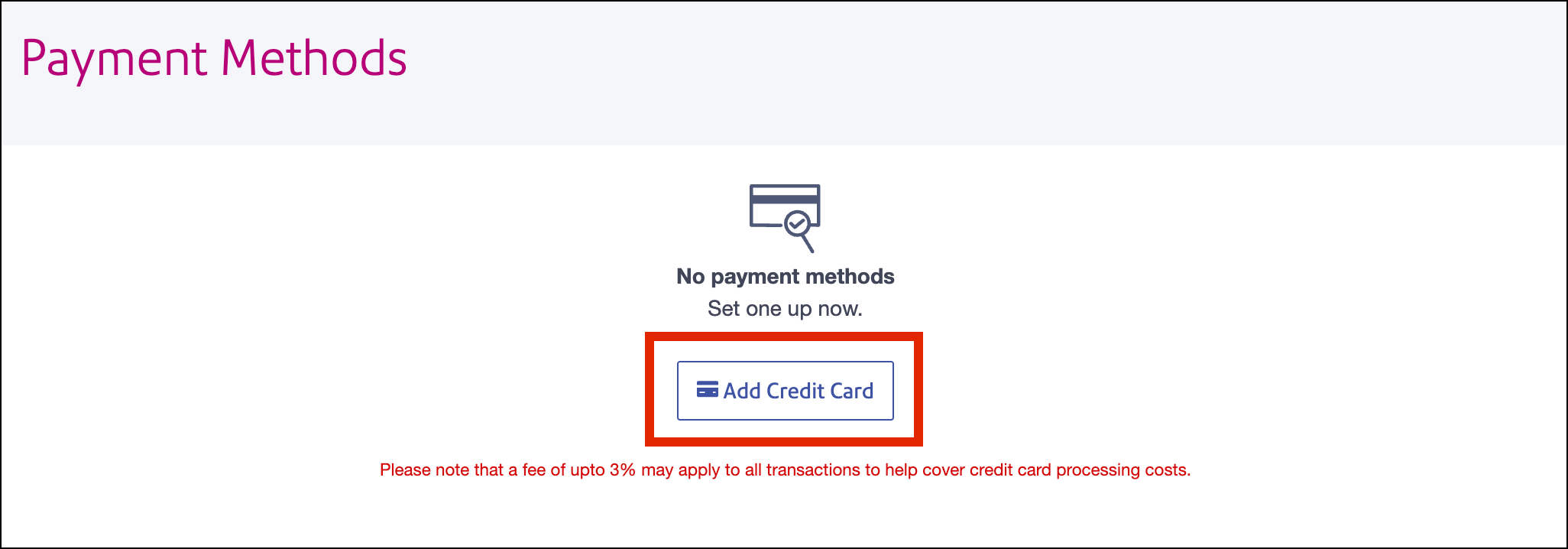
- Enter your credit card information and click Submit.
- Note: Do not add any balance to the account yet.

How to finish setup in Ordoro
After you complete the account creation steps above, the setup is still not finished.
Pitney Bowes must complete the next part of the setup on their side and provide the IDs needed to finish connecting the account in Ordoro.
Once Pitney Bowes provides the following values, follow these steps:
- Go to your shipper settings in Ordoro.
- Click Edit on your FedEx account.

- Click Add Credentials.

- Enter the following IDs:
- Carrier Account ID
- Developer Partner ID
- Shipper ID
- Click Submit.

- After entering those values, click Update in the shipper settings.
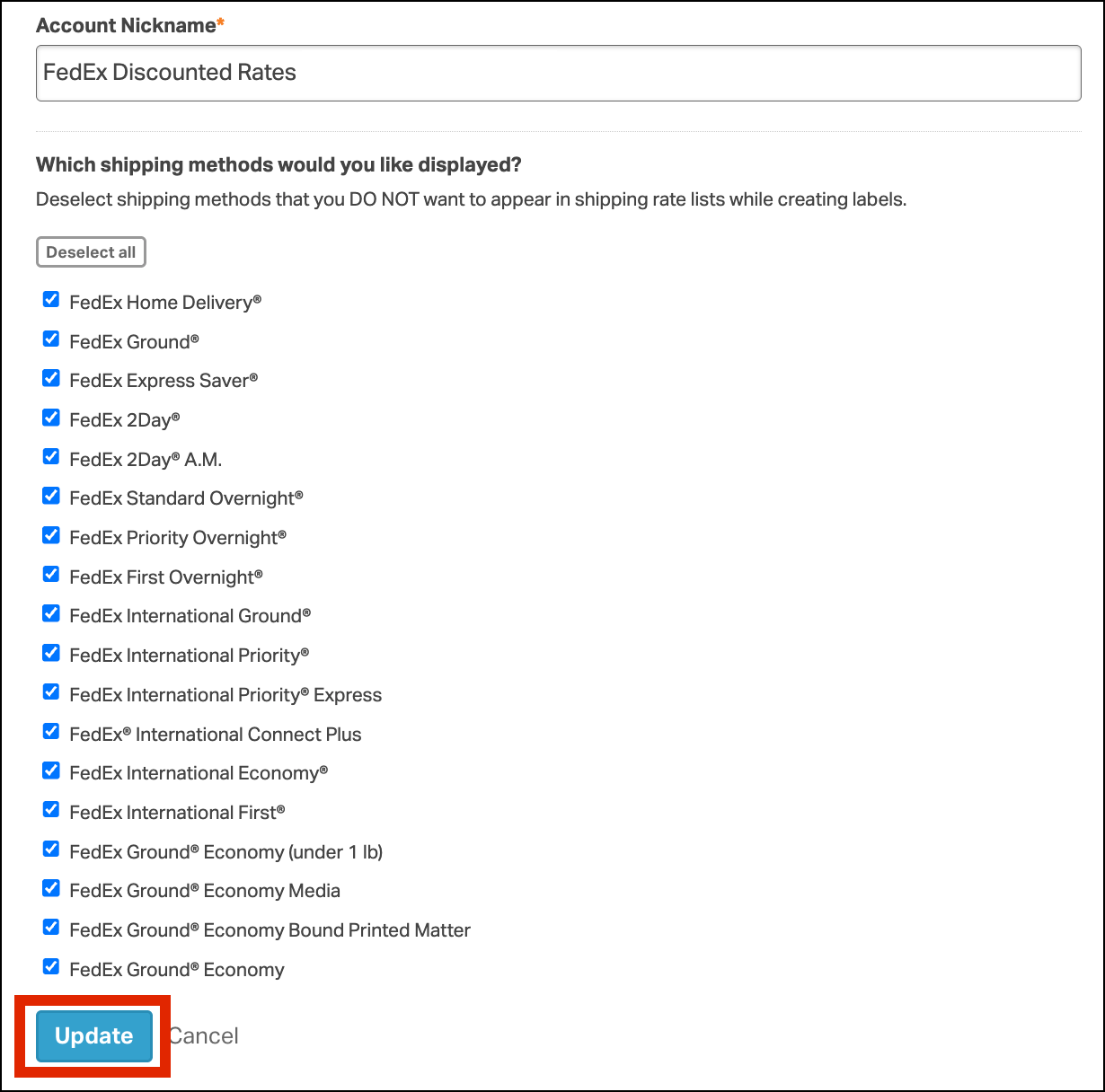
Once the IDs are saved, you can use the FedEx Discounted Rates shipper to create labels in Ordoro.