
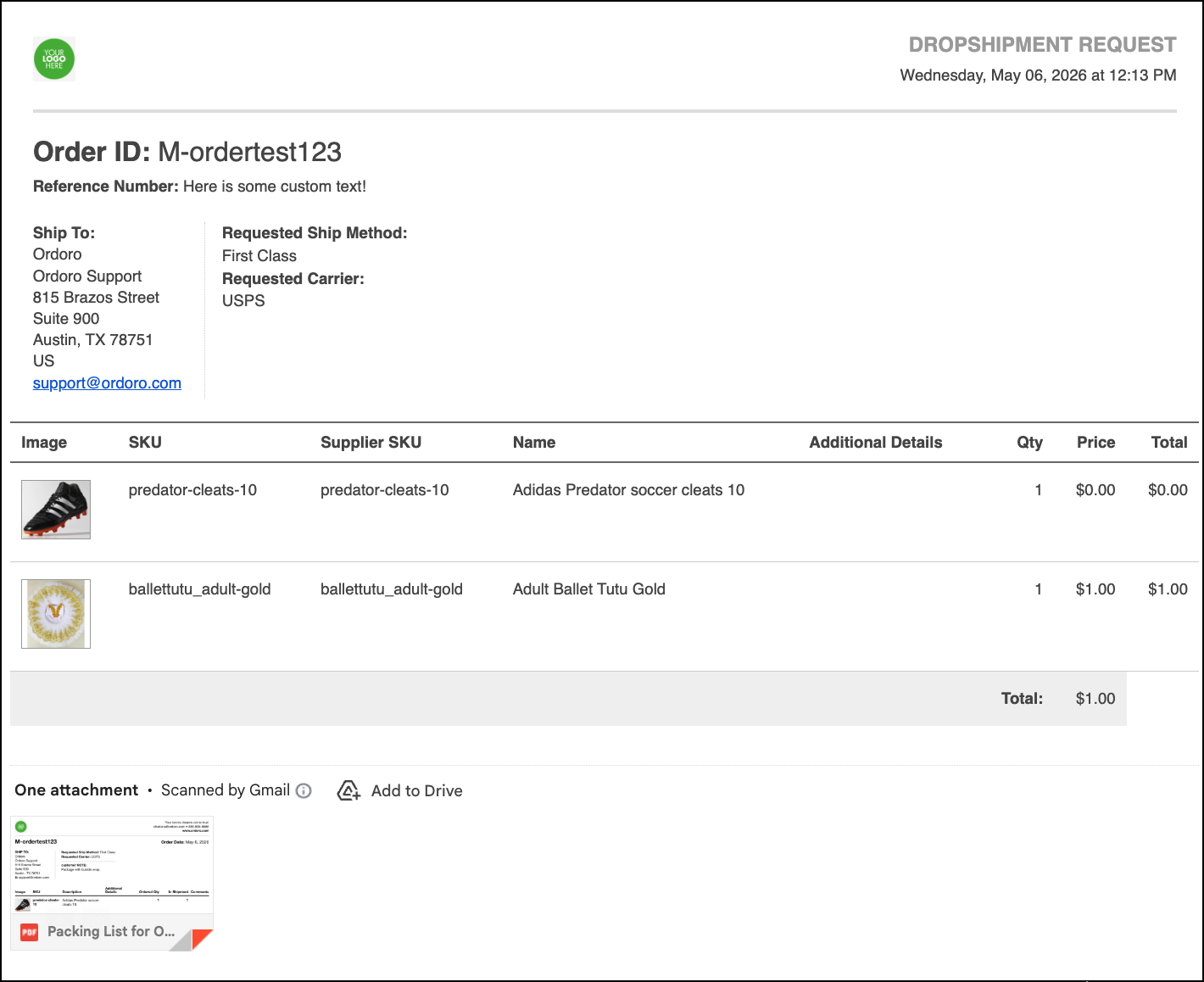
Yes, you can! Each supplier has a setting to either display the product image in the dropship email or the attached packing list.
Product images in automatic dropshipment emails
1. Select your business name in the upper right corner and then select Account Settings.
2. Select Suppliers from the menu on the left, and then select Edit next to the Supplier for which you would like to make this update.
3. Select the checkbox next to Show product images in automatic dropshipment emails. Click Save.

Example
Product images in dropshipment packing lists
1. Follow the same steps 1 and 2 from above.
2. Select the checkbox next to Show product images in automatic packing lists. Click Save.

Example

Dropship Panel
You can also select these options when dropshipping an order.

Need help uploading images?
If you haven’t imported any product images yet, check out these guides: