
Reauthorize your Walmart cart by Saturday, February 28.
Walmart is discontinuing the current connection method, and reauthorizing helps prevent interruptions in Ordoro with syncing and shipping.
How to reauthorize (~2 minutes):
- In Ordoro, go to your Sales Channels settings.
- Find your Walmart sales channel and click Edit.

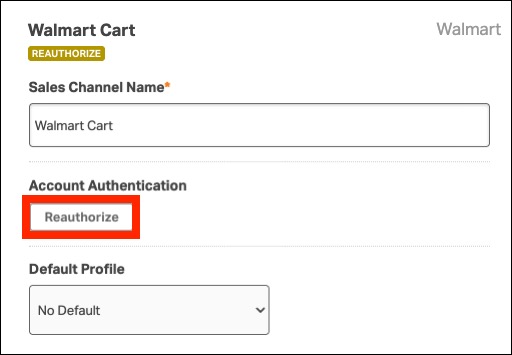
- Click Reauthorize.
- You’ll be redirected to Walmart Seller Center.
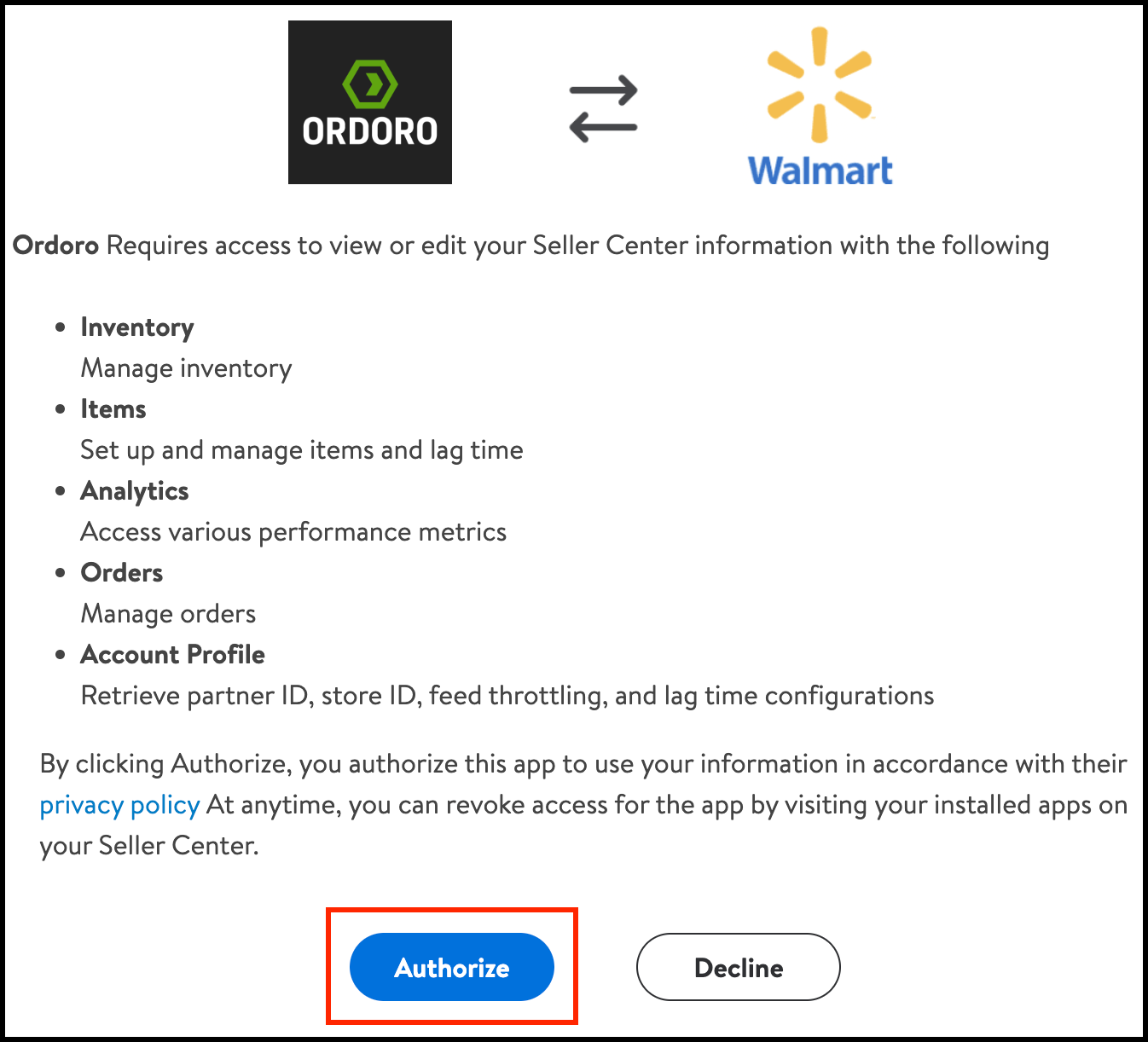
- On the authorization screen, click Authorize.
- You’ll be redirected back to Ordoro.
How to confirm it worked
- Your Walmart sales channel should no longer show a yellow “Reauthorize” banner.