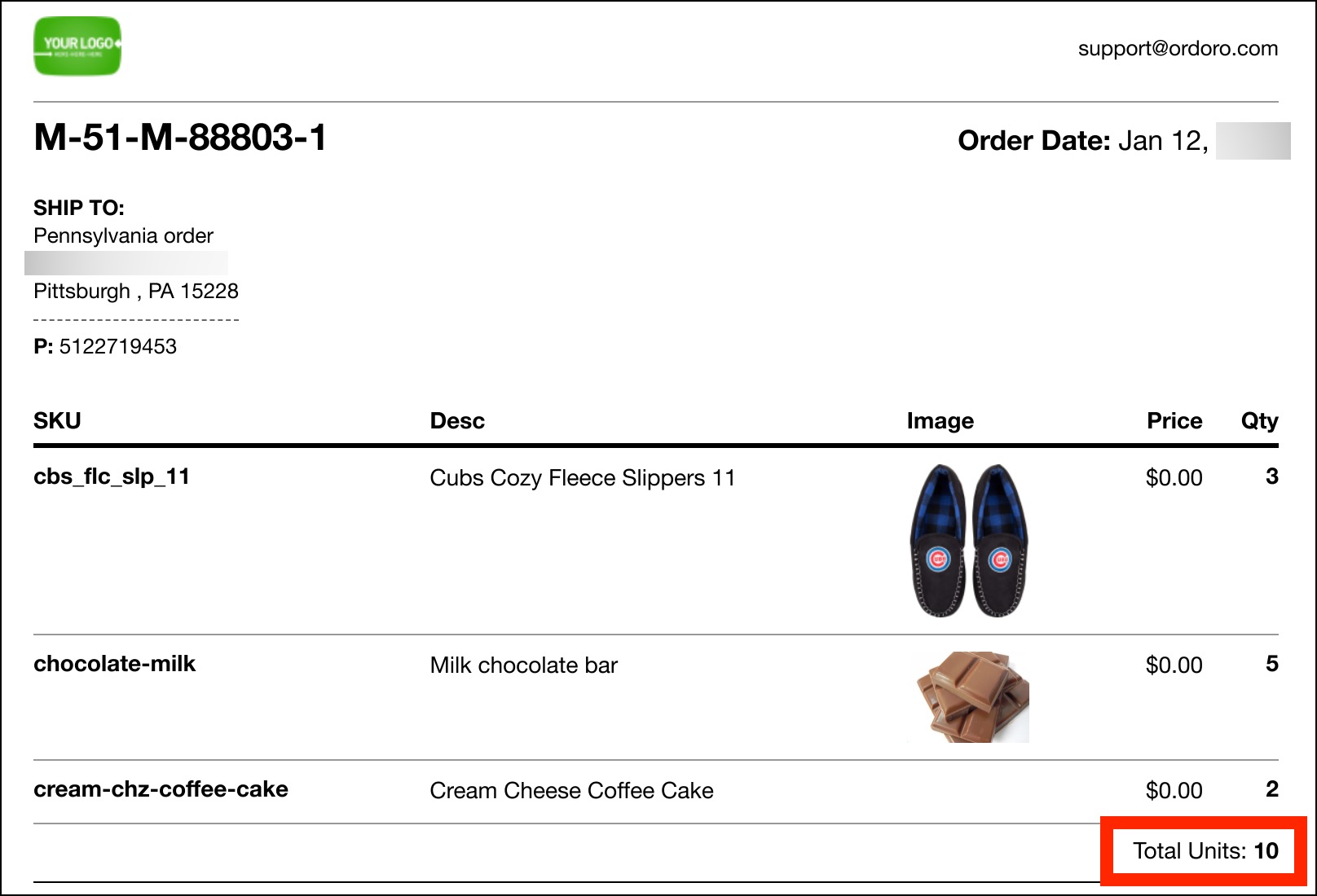
Showing the total item count helps your team quickly confirm that an order has the correct number of items before it ships. It’s also useful for catching missed items when you’re packing large orders.
What is the total item count?
The total item count (shown as Total Units) is the total number of units in the order. It adds up the quantities across all line items.
Example: If an order has 2 shirts and 1 hat, the total item count is 3.
Enable for the packing slip
- Select the order(s).
- Click Pick/Packing Slips.

- Under Attach Packing Slip, select Show Total Items Count.

- Print or preview the packing slip. You’ll see Total Units listed on it.