
Showing the Batch ID on your Pack List makes it easy to confirm which batch an order belongs to while you’re picking and packing.
This is especially helpful if your team is working multiple batches at the same time.
Topics
When this is helpful
Here are a few common examples:
- Multiple batch stations: One table is packing Batch 1042 while another is packing Batch 1043.
- Reprints and handoffs: Someone prints the Pack List later and needs to confirm it matches the right batch.
- Sorting packed orders: You can quickly group packed orders by batch before labels go out.
Enable Batch ID on the Pack List
- Select the batch.
- Click Print → Create Pick/Pack Lists.

- Under Attach Packing List, select Show Batch ID.
- Click Create.

- Under Documents, click View/Print to view the Pack List.
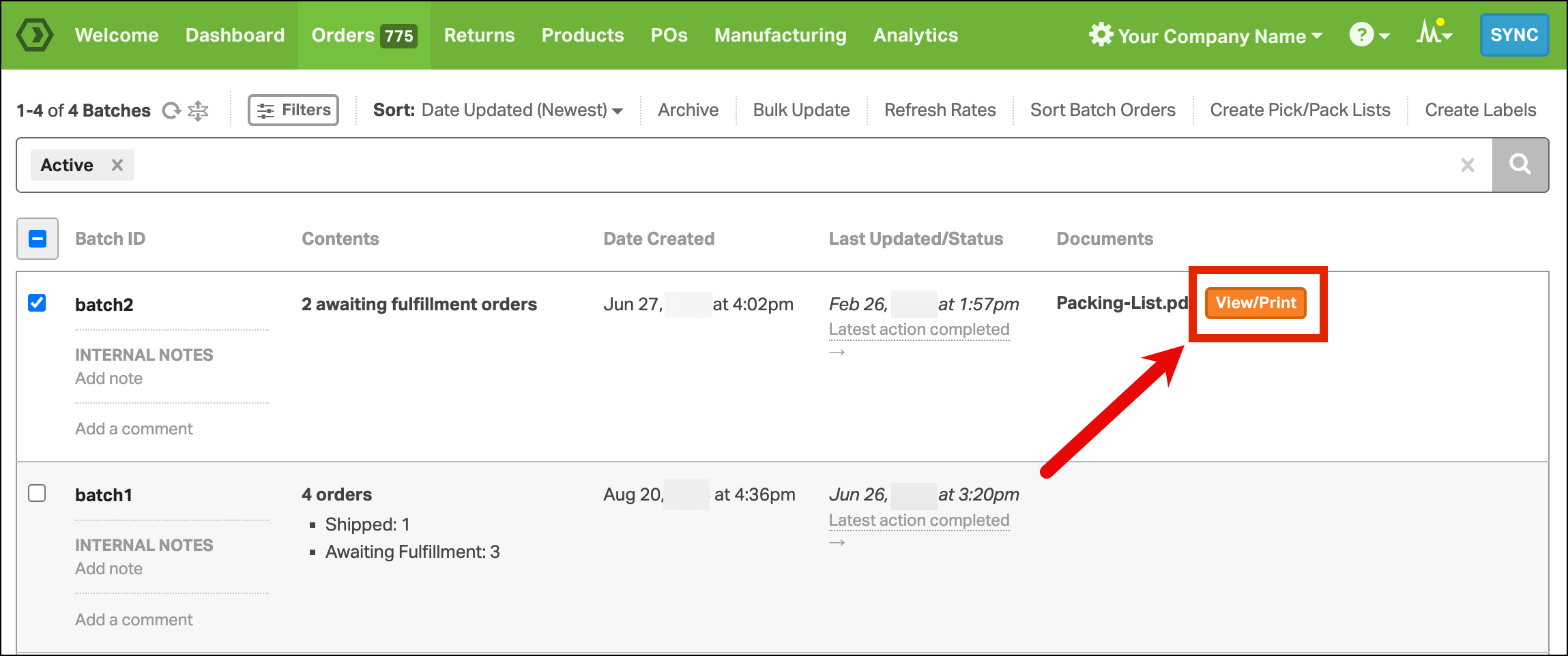
- The Batch ID will be printed on the Pack List.
