
You can update an existing tag’s name or color from the Orders page.
- Go to the Orders page.
- Select the checkbox next to any order.
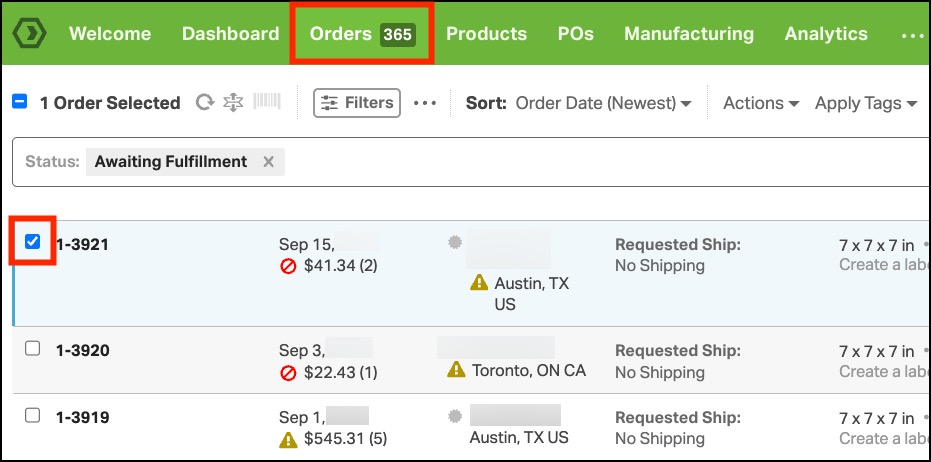
- Click Apply Tags. This will display the tags in your account.
- Hover your mouse over the tag you want to update.
- Click the pencil icon that appears next to the tag name.

- Update the Tag Name and/or Tag Color in the pop-up window.
- Click Save.
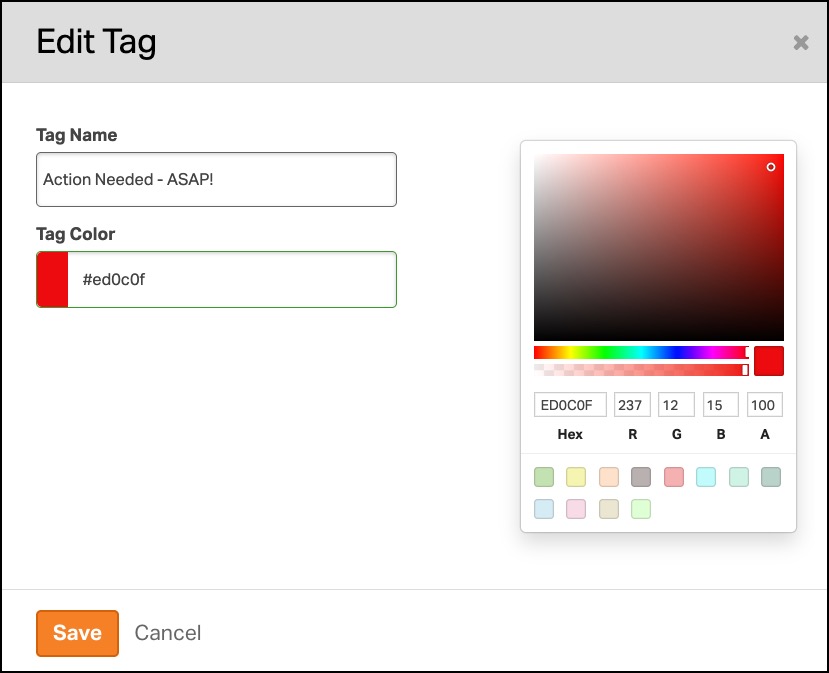
The tag will be updated anywhere it is used in Ordoro.